How to Evaluate CAD, BIM, and 3D Model Resources for Playground and Park Design
Picture a playground plan that sails through community review, then stalls during coordination because the equipment’s use zones were never drawn to scale. Good playground CAD and BIM models prevent that kind of late surprise by putting accurate dimensions, clearances, and installation details into your drawings from the start. Here’s what specifiers and landscape architects should check in manufacturer files, and how to use them from concept through construction documents.
What Are Playground CAD and BIM Models?
CAD files are two-dimensional or three-dimensional technical drawings that show product dimensions, layouts, clearances, and other planning information. BIM models add another layer: organized project data that can help design teams coordinate equipment with grading, paths, drainage, utilities, structures, and other site elements.
For a playground project, these files can support early concept development, construction documents, estimating, presentations, and coordination with the broader design team. They don't replace professional judgment or project-specific review, but they can reduce repetitive drafting and make design intent easier to communicate.
3D Playground Models for Park Design
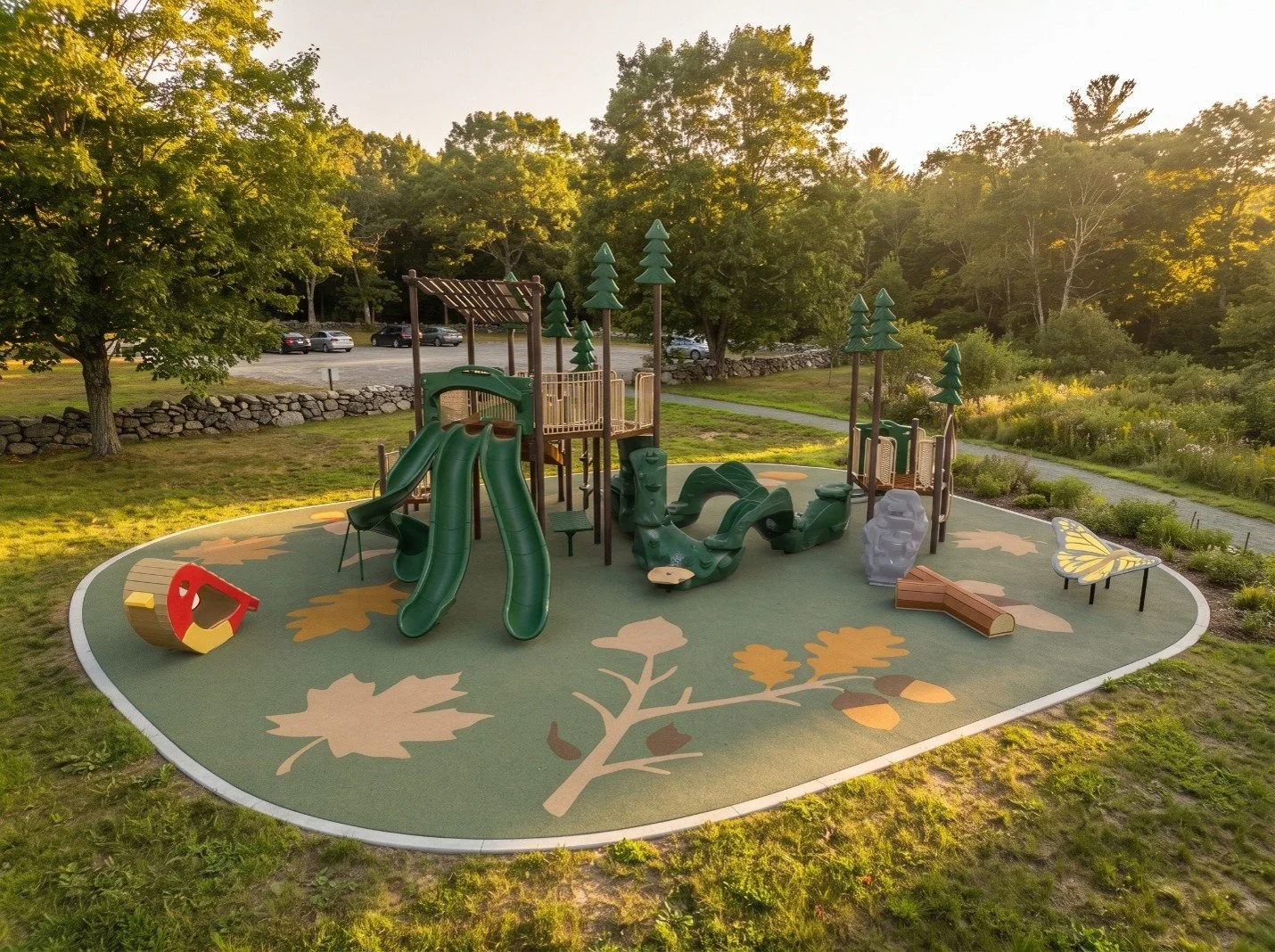
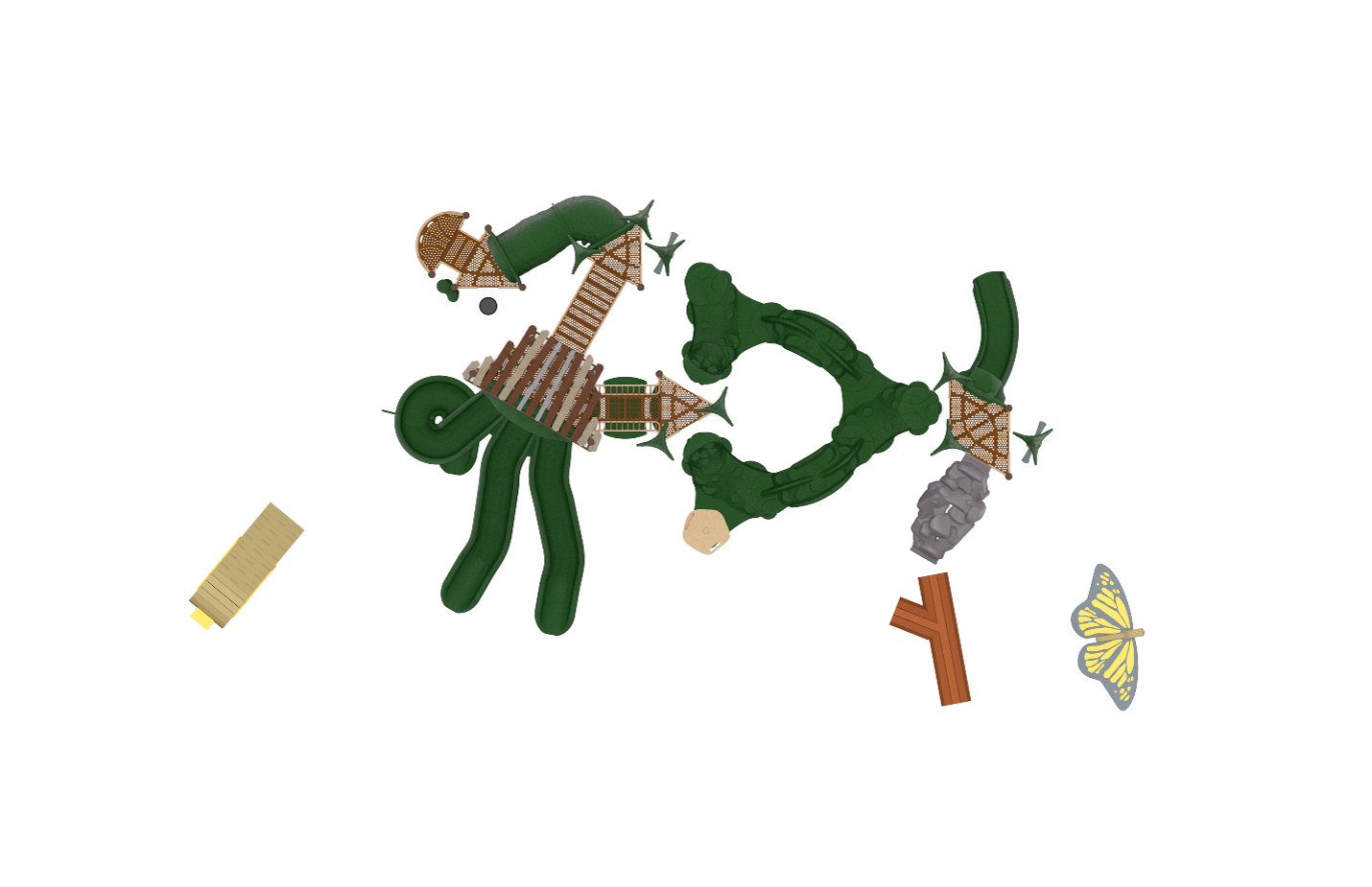
A plan view answers important questions, such as whether equipment fits within the available footprint. A three-dimensional view answers different questions: How will the play area feel from the main path? Will a tower compete with existing trees? Can caregivers see across the space? Does the color palette support the park's identity?
That visual feedback matters during public meetings and internal reviews. GameTime provides CAD files, renderings, elevations, and installation details for its products, along with presentation materials that can help teams explain a proposed play environment before construction begins. A 3D model can also help a project team test relationships between play features, gathering areas, shade, pathways, and the surrounding landscape.
The strongest workflow uses 3D visualization as a design tool, not just a final illustration. Teams can compare options, identify conflicts, and make decisions while changes are still less expensive to document.
How to Evaluate Playground Design Files
Landscape architects often need manufacturer-specific information that can drop into an existing workflow. Useful files should be easy to locate, clearly labeled, and available in formats that fit the project team's software and documentation process.
Start with the information that affects the site plan:
Overall dimensions and product orientation
Use zones and required clearances
Elevations and access points
Transfer or ground-level access information
Footing and installation requirements
Recommended ages and play activities
Surfacing and fall-height coordination needs
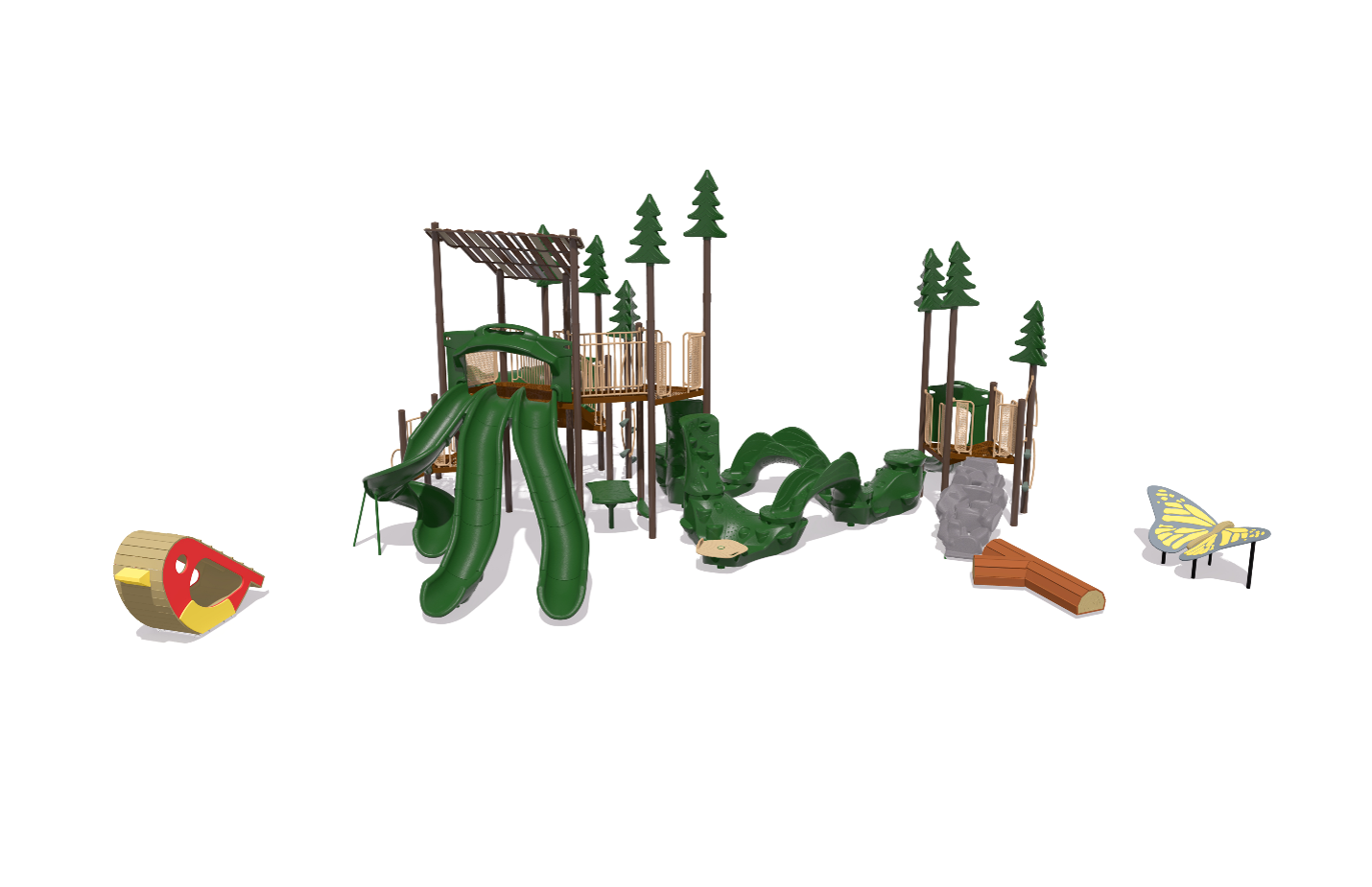
GameTime's product pages include downloadable CAD files and top-view drawings, while its broader resource library includes catalogs, color tools, renderings, and planning materials. That combination helps designers move between technical documentation and visual storytelling without rebuilding the same information from scratch.
The American Society of Landscape Architects reported in July 2025 that BIM had become an expected capability in many design offices, while parks and public-space design remained a leading area of practice among survey respondents. That makes well-organized manufacturer files increasingly useful during multidisciplinary coordination.
A practical coordination checklist:
Before placing the model
[ ] Confirm the file version is current
[ ] Check units
[ ] Check scale
[ ] Check orientation
[ ] Review layer or object naming
[ ] Verify current product information
Coordinate the playground with
[ ] Grading
[ ] Drainage
[ ] Accessible routes
[ ] Utilities
[ ] Trees
[ ] Lighting
[ ] Furnishings
[ ] Maintenance access
Before issuing plans
[ ] Confirm the final layout reflects the actual design decision
[ ] Review the layout against current product documentation
[ ] Review against applicable codes, standards, and agency requirements
Playground Design Resources for Parks
The best digital files work alongside broader planning resources. A successful park project needs more than equipment geometry. It needs a clear understanding of who will use the space, how people will arrive, what activities the site should support, and how the design can welcome users with different physical, sensory, cognitive, and communication needs.
Recent university work on an augmentative and alternative communication board for a city park playground shows how inclusive design can benefit from collaboration among landscape architects, researchers, children, and caregivers. That kind of input can influence the location of communication features, the vocabulary presented, color choices, viewing height, and connections to play activities.
Use CAD, BIM, renderings, and design guides together. Begin with the park's goals, test the layout in plan and three dimensions, review access and circulation, gather community feedback, and then refine the technical documents. This process helps a colorful concept become a coordinated public-space investment.
From Drawings to Buy-In: Communicating Your Design to Clients & Communities
Clear visuals help elected officials, funders, neighbors, school leaders, and community members understand what is being proposed. CAD drawings explain fit and function. BIM coordination helps connect the playground to the rest of the site. Renderings and animations make the experience easier to imagine.
Used together, these tools can support more productive conversations and fewer surprises between concept, approval, and construction. For current GameTime resources, review the available CAD files, product information, renderings, and planning materials before selecting the files for your project.
In short, playground CAD and BIM models help teams connect creativity with coordination, while 3D playground models for park design make the future space easier to evaluate and explain. By pairing playground CAD files for landscape architects with thoughtful community input and practical playground design resources for parks, project teams can create vibrant, compliant, and welcoming places to play. For current GameTime resources, review the available CAD files, product information, renderings, and planning materials before selecting the files for your project. Download GameTime CAD and BIM files on CADdetails.